
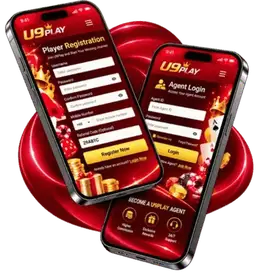
Follow the process
Open the correct access page
Confirm the website address and select Member or Agent.
Enter the requested credentials
Use the identifier and password requested by that form.
Complete on-screen verification
Follow any security verification shown before account access.
This is an information guide. Account access and transactions take place on the original platform.
Member or agent?
A U9Play member login and an agent login can request different identifiers. Use the access assigned to your account. If you are unsure which form applies, ask for account guidance before entering credentials into an unfamiliar page.
Having trouble signing in?
Work through a U9Play login problem in order: check the account type, remove accidental spaces and confirm password case. A missing code is a verification issue; a page that will not open may be a browser issue. Use recovery or support rather than repeated guesses.
Keep your sign-in private
Verify the destination before entering credentials. Do not share passwords or OTPs; sign out on shared devices. This guide does not collect login details.
Written for this website using U9Play reference information. Brand names and factual details retain their meanings.